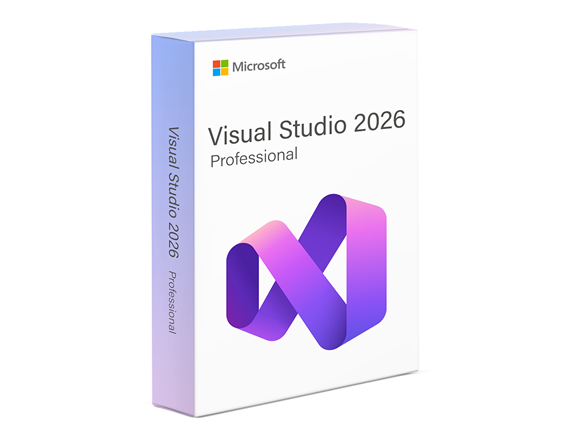
Visual Studio Professional 2026 is a stand-alone integrated development environment software. It delivers a powerful suite of innovations to enhance the development experience for professional teams. Leading the way is the AI Profiler Agent, which brings expert-level performance diagnostics directly into the developer’s workflow. The new Copilot Agent Mode enables a deeply contextual AI experience across chat, debugging, reviews, and documentation. Developers also benefit from blazing-fast performance, a refreshed Fluent UI for streamlined navigation, and enterprise-grade policy controls that give organizations precise management over extension usage. These enhancements make Visual Studio Professional a smart, responsive, and secure environment for building complex applications.
Redemption Instructions:
1. Download Visual Studio on the official Microsoft download page:
https://visualstudio.microsoft.com/downloads/
2. Under Professional, click Free trial. Alternatively, the installer can be downloaded directly here: https://c2rsetup.officeapps.live.com/c2r/downloadVS.aspx?sku=professional&channel=stable&version=VS18
3. Run the installer and complete the installation.
4. Open Visual Studio.
5. Click Help at the top then Register Visual Studio.
6. Select Unlock with a Product Key.
7. Enter your Visual Studio 2026 Professional product key and apply.